Your message.
On every display.
In one click.
Why
Digital Signage
Content that changes doesn’t need a new poster.
Prices, menus, offers, opening hours, welcome messages, safety notices: whatever you print today is out of date tomorrow. Digital signage turns your screens into a surface you can refill centrally at any time – at one location or a hundred.
We don’t arrive with a product, we arrive with a question: what should your display actually achieve? Technology comes after that. Because individual challenges are our speciality – everybody can do standard.
Your Benefits
Centrally managed
One login, all displays. Create content once, play it out per location – from the office or from your phone.
Real-time Display
Changes reach the screen in real time. No printing, no shipping, no waiting for an agency.
Scheduled, not improvised
Failure-proof
Content is stored locally on the player. If the network drops, your display keeps playing.
We are a  Partner
“digital signage made easy” – and we bring it to you.
For our digital signage projects we work with sklera, the digital signage software built by sklera GmbH in Vienna. As an official partner we plan, license, set up and maintain sklera environments for our customers – from a single branch to a distributed display network.
Why sklera? Because the software delivers exactly what we demand of anything we recommend: it’s quick to learn, it runs on almost any hardware, and it hides no costs. Your team should be able to maintain content itself – not call us for every price change.
- ZOfficial sklera partner – consulting, licensing, setup, operation
- ZHTML5-based, no extra software, usable from mobile
- ZHosting your way: cloud, private cloud, on premise – whitelabeled on request
- ZTransparent pricing per display, per year
Two components.
One workflow.
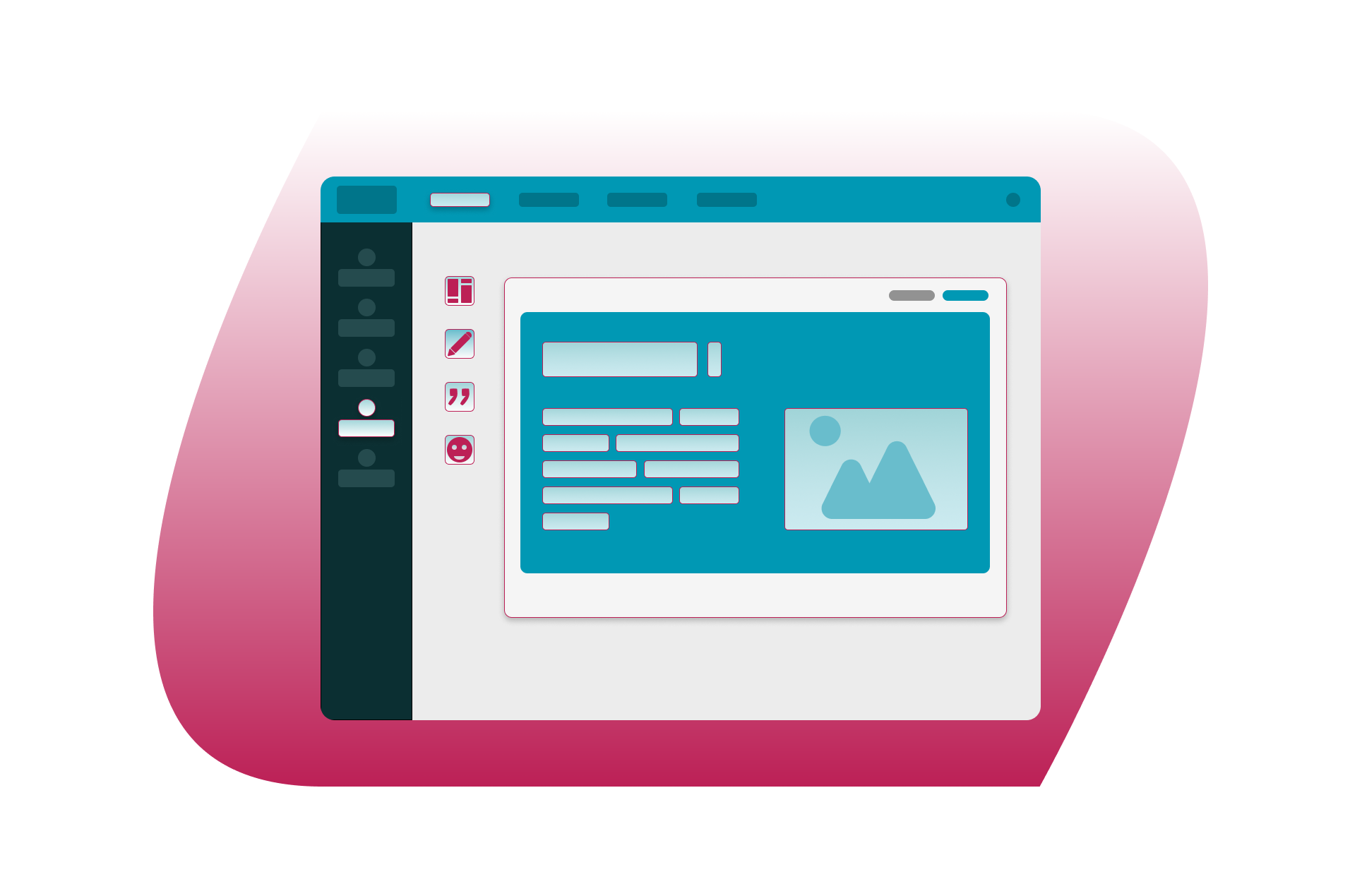
Where your content is created
Where it becomes visible
What sklera makes possible
we configure exactly the features you need.
External data sources
Dropbox, RSS feeds, XML, worldwide weather data, social walls via walls.io, Exchange and Office 365 integration.
Design tools
Layout designer, WYSIWYG text editor, custom fonts, master layouts, zones and screen layouts.
Content planning
Media library, playlists, scheduler, trigger times, content filters and local per-site playlists.
Display monitoring
Video wall & sync
Interactive
Streaming
Reporting
Integration
From the first question
to day-to-day operation
Consulting & concept
We listen, look at your locations and define together what your displays should achieve – goals, content, responsibilities.
Step 01
Hardware selection
Step 02
Installation & setup
Step 03
Layouts & content
Step 04
Training
Step 05
Operation & support
Step 06
Three packages –
your right size
Find the right fit for your needs with sklera basic, sklera standard, or sklera professional.
120
Our basic package provides all the essential sklera features you need to manage straightforward projects efficiently.
230
standard

360
professional
120
Our basic package provides all the essential sklera features you need to manage straightforward projects efficiently.
230
standard
360
professional
Cloud Storage
1GB
10GB
unlimited
☑
☑
☑
☑
☑
☑
☑
☑
Website / HTML5-App
Screen-Layouts / Zones
☒
☒
☒
☒
☒
☒
On request
On request
On request
On request